Kiosk, counter, and board
Three interfaces that work together: self-service kiosk for the public, counter panel for staff, and a waiting-area display so everyone sees the same line.
QIMS is our cloud-based Queue Information Management System for customer-facing sites that need dependable walk-in flow—from ticket to service. Visitors take a number at a self-service kiosk, staff serve the next customer from a counter panel, and waiting areas follow progress on a display board so the line stays understandable for everyone in the room.
Priority rules can respect VIP, senior, and PWD lanes while keeping fair order within each group. Services, counters, and daily ticket reset stay configurable to your policies, and the board stays in step with the counter—calls, recalls, and completions show up without asking customers to refresh a page. Supervisors get dashboard visibility and reporting where you grant access.
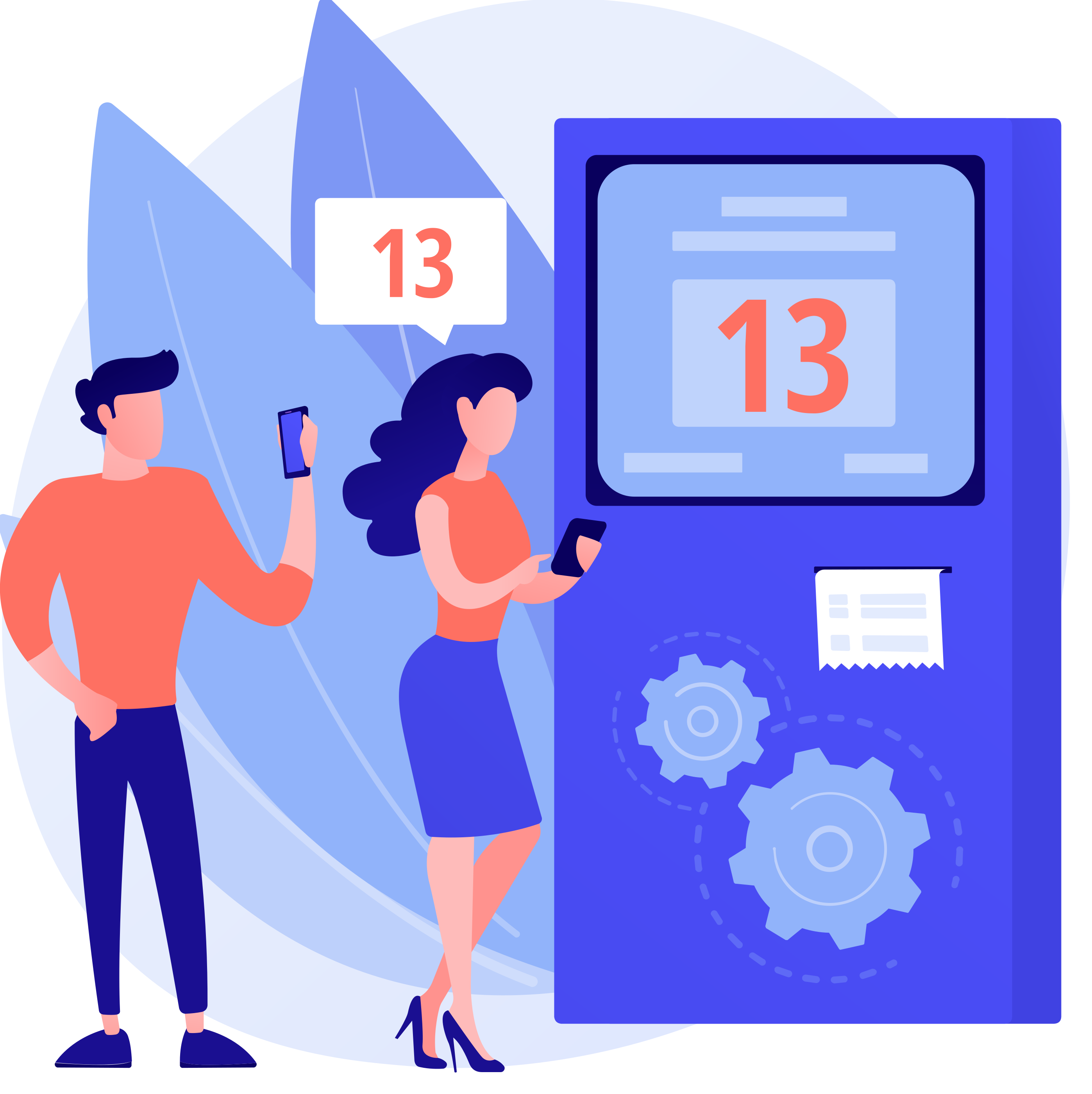
Empower walk-in customers to generate their own queue tickets by selecting from available services on an intuitive touch-screen kiosk interface.
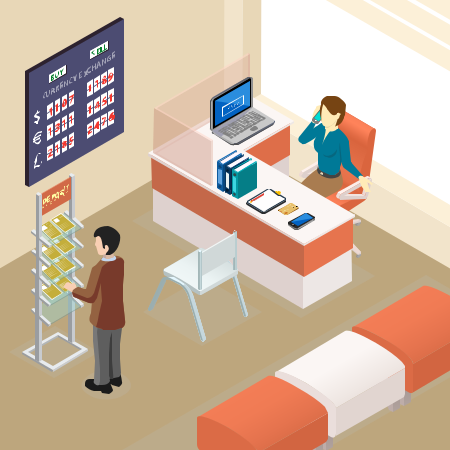
Provide service staff with a dedicated panel to manage their assigned counter, call the next customer, recall, complete, or transfer tickets.
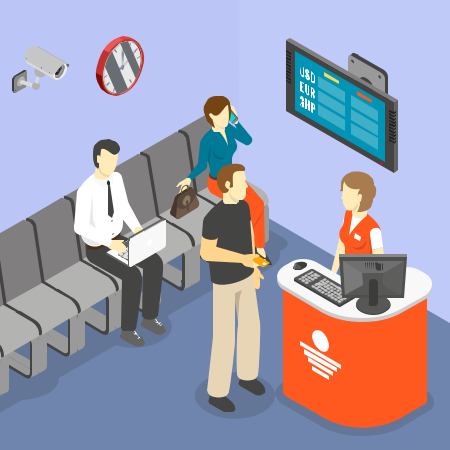
Show currently-serving tickets on lobby screens with instant, live updates powered by Server-Sent Events (SSE) technology.
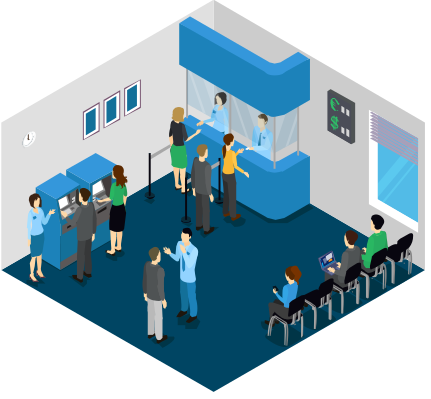
Define the services your organization offers and map them to physical counters with full control over formats, limits, and ordering.

Support priority lanes so that VIP, Senior, and PWD customers are served ahead of the regular queue — all handled automatically.
Gain real-time visibility into your queue operations with a dashboard and reporting module for operational analytics.
Streamline customer flow for account services, loan applications, card inquiries, and general transactions.
Deploy a self-service kiosk in the lobby where customers can select their transaction type — such as New Accounts, Loans, or Card Services — and receive a queue ticket instantly. Tellers use the Counter Panel to call, serve, and complete customers in priority order. Large lobby screens display the real-time Display Board so customers always know when it's their turn, reducing perceived wait times and improving overall branch efficiency.
Manage high volumes of walk-in citizens with organized queuing and priority service for senior and PWD citizens.
Government offices often serve hundreds of citizens daily. With QIMS, citizens select the service they need at the kiosk, get a ticket with an automatic priority tag, and wait for their number to appear on the Display Board. Staff at each counter serve citizens in fair priority-first order. Managers can monitor queue flow in real-time via the Dashboard and generate end-of-day reports for operational review.
Improve patient flow in walk-in clinics by organizing consultations, lab work, and pharmacy pickups into separate service queues.
Patients arriving at a clinic can select their visit type — Consultation, Lab, or Pharmacy — at the kiosk. Each service maps to specific counters, so patients are automatically directed to the right window. The Display Board in the waiting area keeps patients informed, while the ticket transfer feature allows staff to seamlessly move a patient from one service queue to another (e.g., from Consultation to Lab) without issuing a new ticket manually.
Handle payment lines, plan changes, repairs, and returns when foot traffic spikes—without losing order at the counter.
Customers choose the service they need at the kiosk—payments, upgrades, support tickets, or pickups—and receive a ticket that maps to the right counter skillset. Staff call the next person in priority-aware order while the display board shows who is being served, which shortens confusion when lines back up at month-end or promo periods. When a visit spans steps (for example, payment then device pickup), tickets can move between queues without starting over at the back of the line.